

Audience
Mira
Compare who you’re speaking to with what the creator offers.
For launch operators
Connect the creator’s offer with the funnel, tasks, and content. With AI companions that work alongside you in the context of each step.
Access by invitation · Let’s talk on WhatsApp

Mira · Start by understanding who you’re speaking to
You keep things moving
An offer to understand. A funnel to build. Content to review. HitOS brings that work together around the creator.
Each companion has a specialty. You keep it all connected: provide context, review their proposals, and decide what comes next.
Your team, at the right moment
Meet the companions who work alongside you, from understanding the audience to following up.
Bring together the audience, the creator’s offer, the channels, and the available materials. Start with a foundation that gives the launch direction.
Audience · Offers · Channels · Vault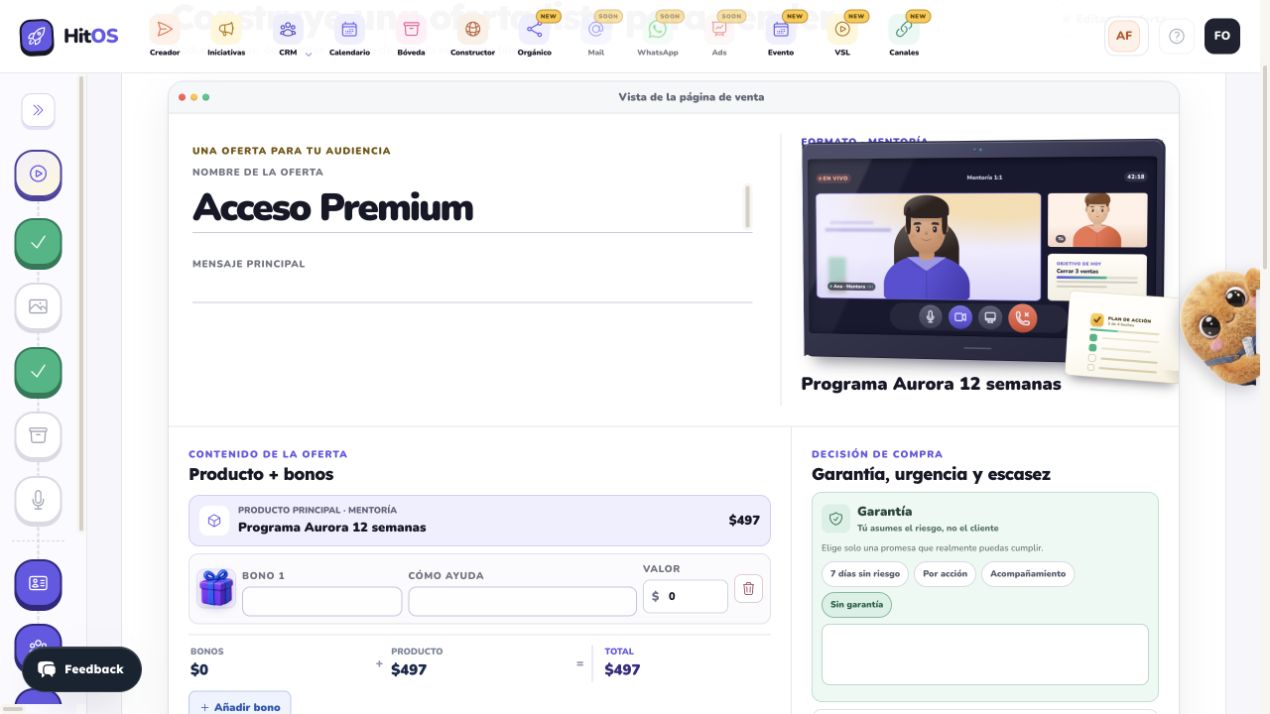
Who works alongside you here
Audience
Compare who you’re speaking to with what the creator offers.

Brief and offer
Review the evidence, past offers, and assumptions in the brief.

Channels
Understand which connections are ready and which authorizations are missing.

Materials
Find assets in the Vault that you can reuse.
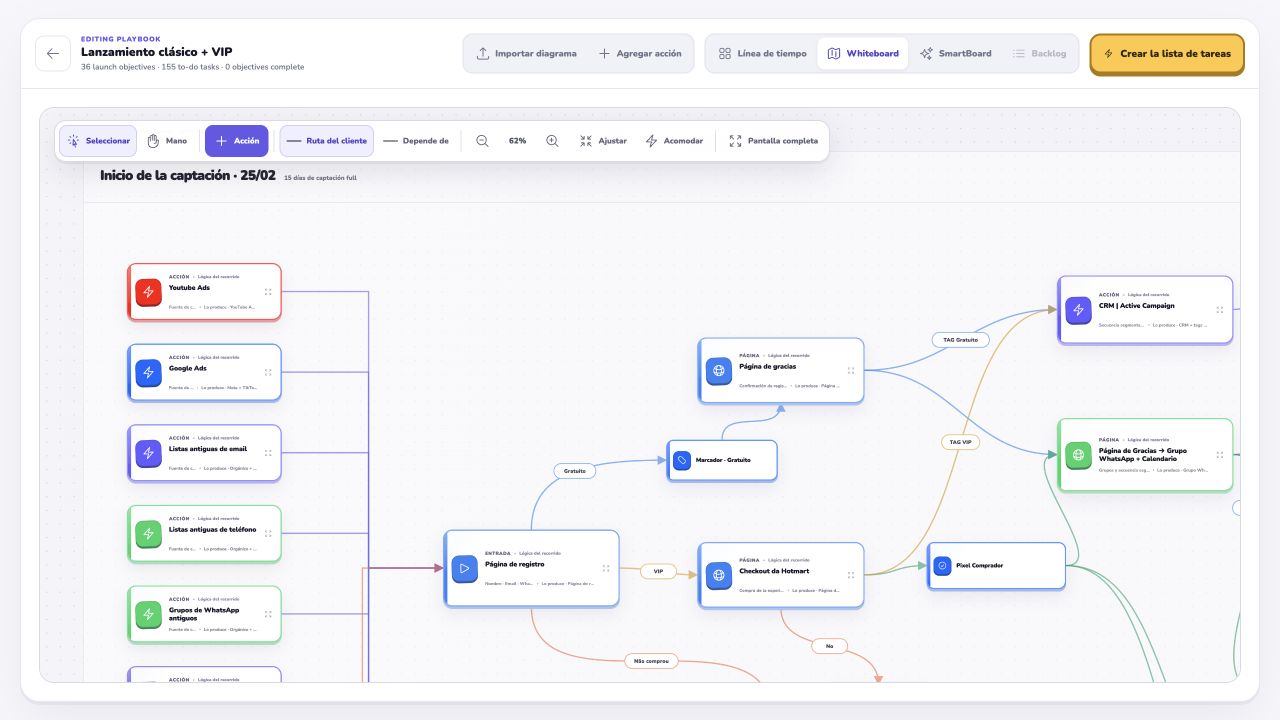
Map the journey in Funnel Lab and connect its stages with the operational work. Review initiatives and plan your day with the bigger picture in view.
Funnel Lab · Initiatives · Backlog · My day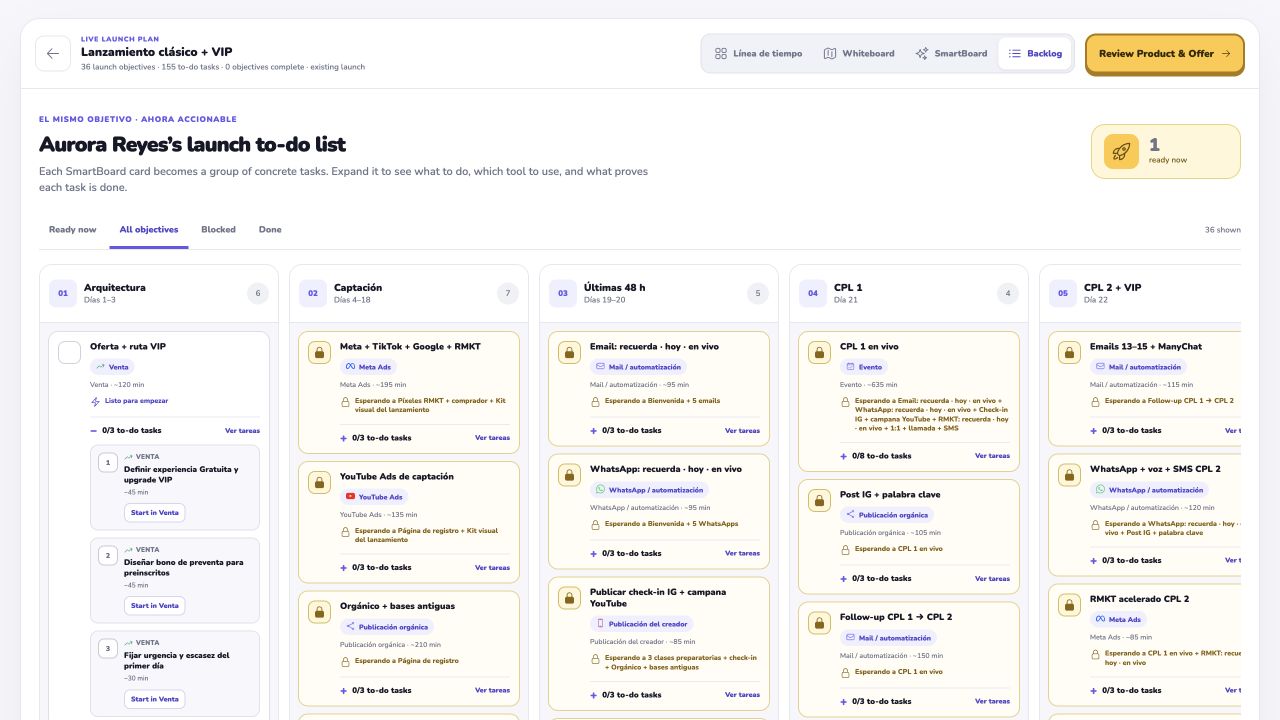
Who works alongside you here

Funnel
Proposes building or adjusting your funnel in Funnel Lab. You apply the proposal.

Next step
Review initiatives and discuss how to move the launch forward.

Priorities
Look at initiatives and their status to decide what needs attention.

Your day
Helps you think through how to organize your day around the work available.
Develop the offer, pages, and sequences with a shared direction. Use the builders to create the pieces and review what’s going out.
Products · Builder · Orgánico · VSL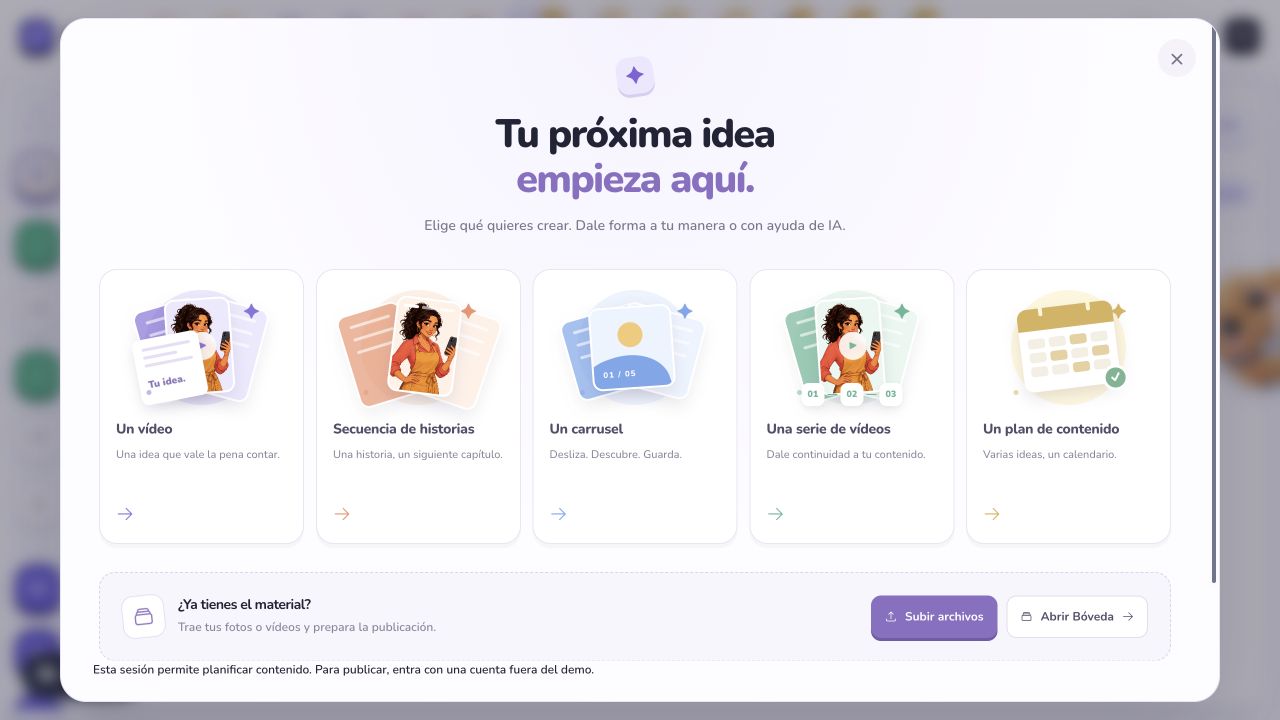
Who works alongside you here

Building
Define products and the brief for the piece you’ll create in the builder.

Content
Review messages and content to keep your sequences connected.

Script
Work on the promise, structure, and closing of your VSL or event.
Review the sales status and who’s involved in the launch. Discuss next steps with the context available.
Pipeline · Creator’s teamWho works alongside you here

Pipeline
Review stages and age indicators to think through follow-up.

Team
See who’s involved and their responsibilities in the creator’s workspace.
The launch takes shape. You keep it connected.
Request accessFrom tasks to judgment
Every conversation is a chance to connect what you do with the decision behind it.
Audience
With Mira and Runa, return to the audience and the evidence before choosing a message.
Journey
With Ficha, give each stage of the funnel you’re building a purpose.
Execution
With Cimo, Posta, and Lente, connect what you produce with the offer and the next step.
Context + AI + your review
Each companion’s conversation draws on the context available in its area. Proposals are reviewed, and actions take place in the relevant tools, according to your permissions.
When you join, find what you need to work and where to manage access. The actions available depend on your account permissions.
Preparation · Settings · AccessWho works alongside you here

Getting started
Review preparation, connections, and the team to find your starting point.

Settings and access
Guides you through settings and where to manage access.
Before you join
Your work, your access, and what the product covers.
No. This workflow is designed for people who run launches using a creator’s audience, knowledge, and offer. You can take part without being the person on camera.
You can review the audience, offer, and funnel as you prepare the launch. That structure lets you practice making decisions with context; your judgment develops through your own work and review.
They work alongside you within their specialties and the context available. Some tools let you apply proposals, such as building a funnel. Review, permissions, and connections still determine what you can do.
Content goes through review and approval stages. Publishing to social media requires a compatible connection and the appropriate permissions.
Yes. Choose Español, Português (Brasil), or English in the language menu. We’ll remember your choice in this browser. The main entry page suggests a language based on the approximate country of your connection, or your browser if that information is unavailable. Screenshots keep the language of the original interface.
Message us on WhatsApp at +52 55 3590 4118 and tell us what kinds of launches you run. Access is currently by invitation.
Your next milestone
Understand the offer. Connect the plan. Move the launch forward.
Request accessAccess by invitation · Let’s talk on WhatsApp